Refitting a boat
Plan the house bank, starter battery and onboard loads together. Check cable sizes, battery protection and voltage drop along the longer runs.
12V and 24V wiring diagram software
For your boat, campervan or off-grid system.
Start free. No account needed.
Live example
What Crimp worked out
The cabin-light run, 3.5 m
Well inside the 10 % voltage-drop allowance for cabin lighting in this example.
Hover a cable for its wire size and fuse. Drag to pan or pinch to zoom.
Your tool identified I selected a larger amperage DC-DC charger and it would eventually smoke my small 75-amp alternator. I downsized to an 18-amp charger and all I can say is “Thank you — Thank you!”
Who it's for
Choose a wiring example or check a cable run, then use your own equipment and distances to make the plan yours.
Plan the house bank, starter battery and onboard loads together. Check cable sizes, battery protection and voltage drop along the longer runs.
Connect the leisure battery, roof solar, fridge and lights. Start with a DC wiring example and adapt it to your equipment and cable routes.
Plan the starter-to-auxiliary-battery path through a DC-DC charger. See where the battery fuses and common return belong in the example.
Plan a 12 V or 24 V battery system with solar charging and DC loads. Check how cable length affects voltage drop before routing wire to the far room.
A larger live example
Follow solar and alternator charging into a campervan’s house battery, then through the fuse block to the lights and roof fan. Open the same drawing to make it yours.
Starter and house batteries · SmartSolar MPPT · Orion XS · fused DC loads
Live Crimp simulation. Try the charging sources and loads, or choose Wiring to follow the connections.
View full screenRed = positive · dark = return. Crossings are not junctions. Read the assumptions before adapting a circuit.
A 12 V DC planning example. Replace the placeholder equipment and cable lengths, check the battery’s combined charging limit, and resolve the protection findings before installation. Mains and inverter circuits are outside this drawing.
See the cable schedule and assumptionsHow it works
Choose your equipment, connect the terminals, and see cable sizes and checks on the same drawing.
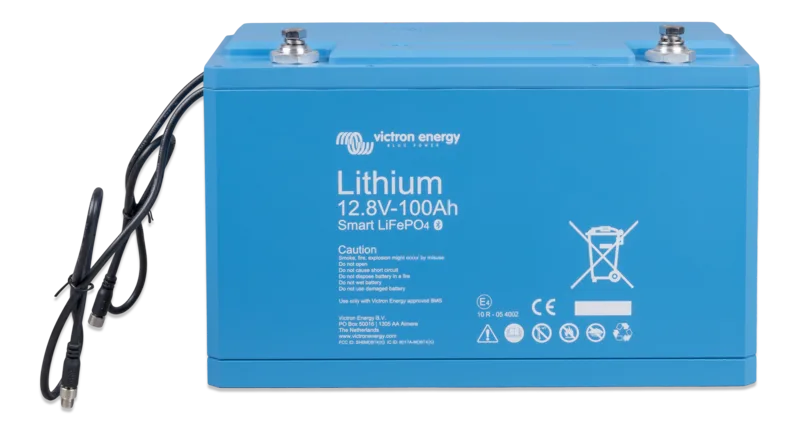
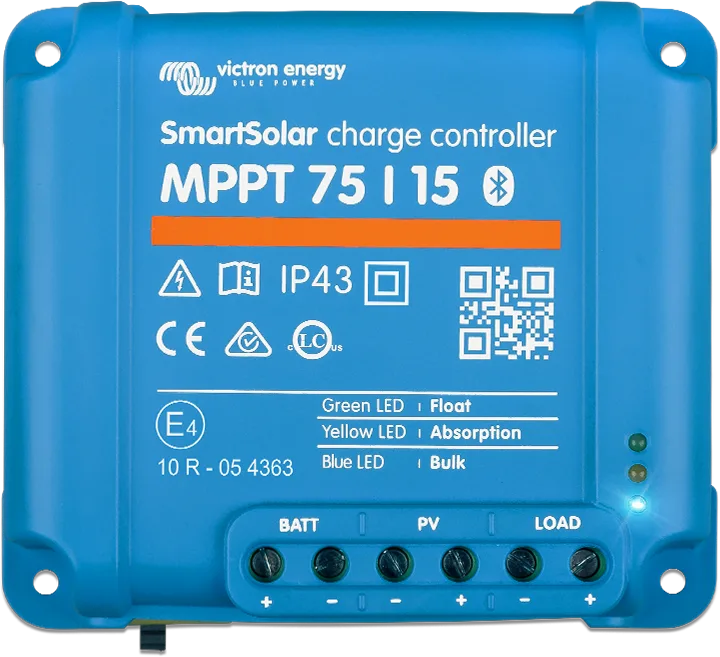
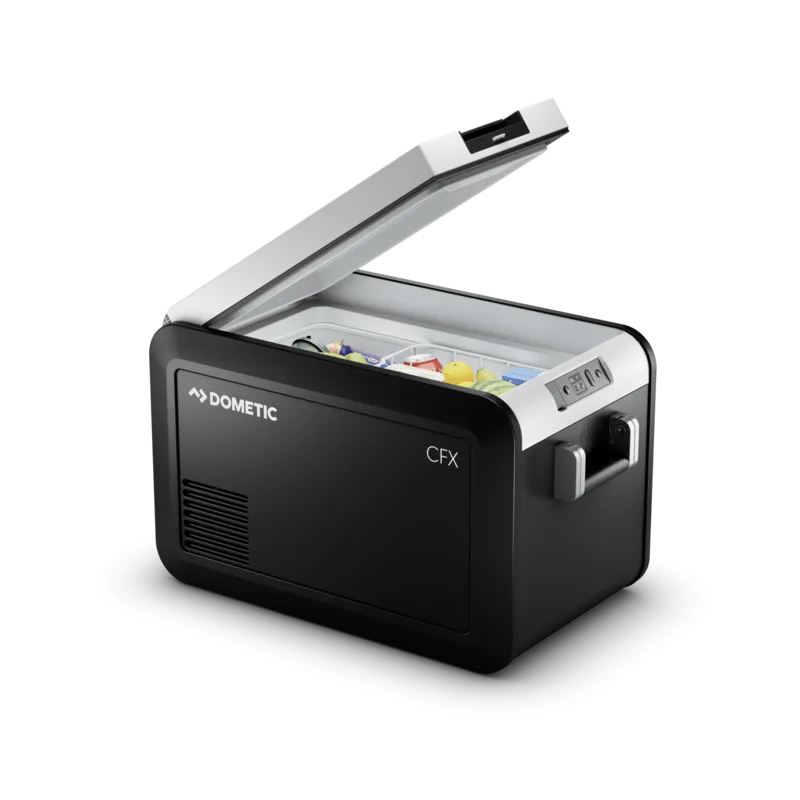
Start with the real battery, charger and loads from a palette of 334 parts. If yours is missing, make it once and keep it for next time.
Connect the terminals the way you'd install them. Tell Crimp the length and it picks the wire and fuse for that run.
Wire, fuse and voltage-drop results update as you draw, and 80+ checks flag potential problems on the drawing while you can still change the plan.
Crimp for AI agents · public beta
Connect ChatGPT, Codex or Claude Code to look up components, calculate wire and DC-DC charger sizing, or build a small draft you can inspect and edit. Missing facts and assumptions stay visible.
No Crimp account or API key required.
Good questions
Anything not answered here reaches a person at [email protected], usually the same day.
Start small
Nothing to install and no account needed. Your drawing saves in this browser, and you can add the rest of your system as you go.