Refitting a boat
Plan the house bank, starter battery and onboard loads together. Check cable sizes, battery protection and voltage drop along the longer runs.
12V and 24V wiring diagram software
For your boat, campervan or off-grid system.
No account needed. Free wire and fuse sizing. Pay once for bigger systems.
−30%Black Week: 30% off Lifetime and Professional for first-time buyers, until Sunday. See pricesLive example12 cables · 3 fuses sized · 140+ checks run
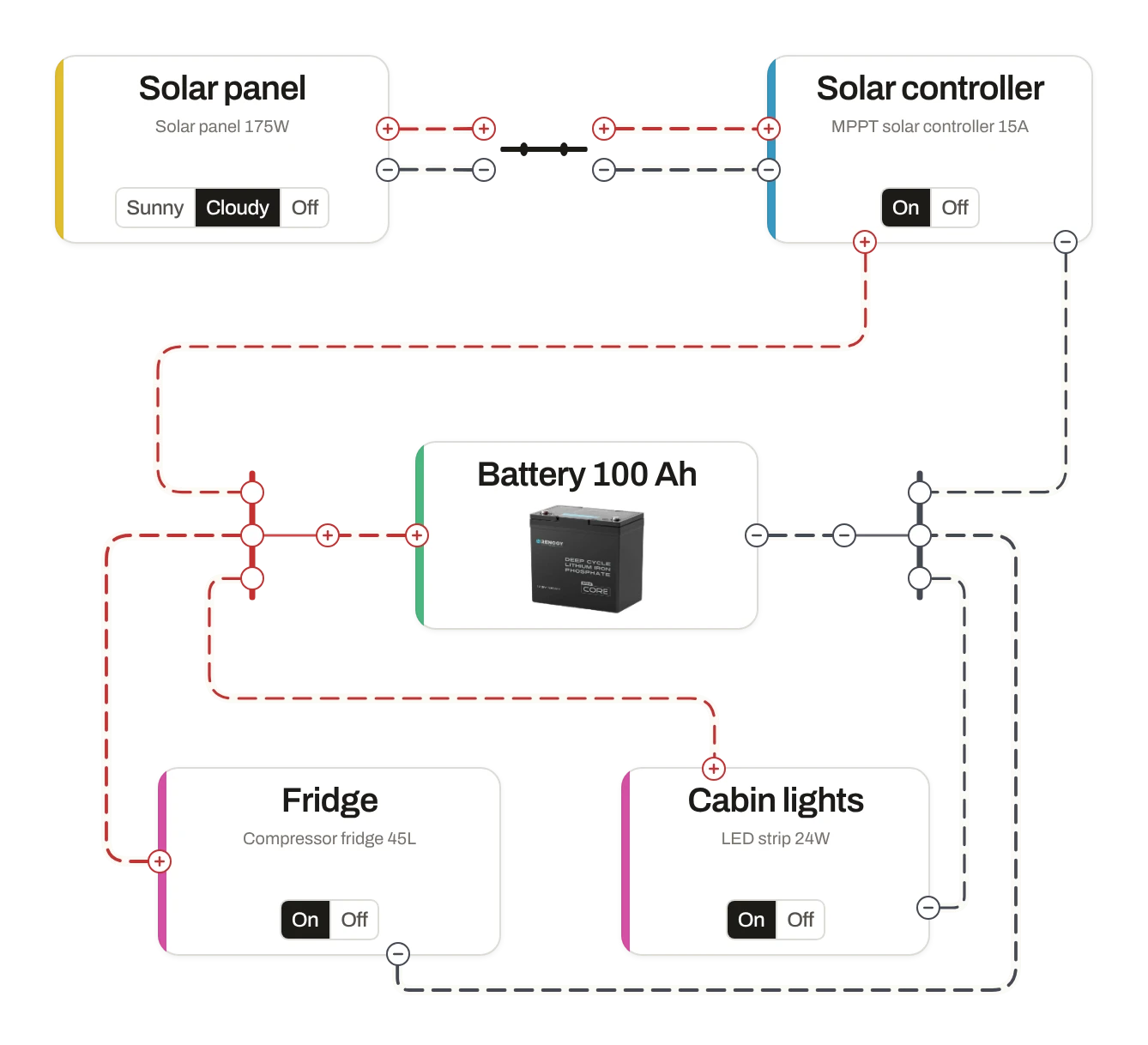
Try different sunshine and loads to see the battery runtime change.
Checks while you draw
The campervan from above, grown to three solar panels and wired the way first builds often are. The list is what Crimp’s checks report for it, word for word: the editor’s engine produced it, not a copywriter.
Open the editor and start drawing. Your plan saves in this browser until you choose to sign in.
Wire sizes, fuse ratings and all 140+ checks work in the free version, up to 6 pieces of equipment. Cables, fuses and busbars don’t count.
Bigger systems and the printable blueprint are a one-time payment, with nothing to renew.
Your tool identified I selected a larger amperage DC-DC charger and it would eventually smoke my small 75-amp alternator. I downsized to an 18-amp charger and all I can say is “Thank you — Thank you!”
Who it's for
Choose a wiring example or check a cable run, then use your own equipment and distances to make the plan yours.
Plan the house bank, starter battery and onboard loads together. Check cable sizes, battery protection and voltage drop along the longer runs.
Connect the leisure battery, roof solar, fridge and lights. Start with a DC wiring example and adapt it to your equipment and cable routes.
Plan the starter-to-auxiliary-battery path through a DC-DC charger. See where the battery fuses and common return belong in the example.
Plan a 12 V or 24 V battery system with solar charging and DC loads. Check how cable length affects voltage drop before routing wire to the far room.
A larger live example
Follow solar and alternator charging into a campervan’s house battery, then through the fuse block to the lights and roof fan. Open the same drawing to make it yours.
Starter and house batteries · SmartSolar MPPT · Orion XS · fused DC loads
Live Crimp simulation. Try the charging sources and loads to see power and runtime change.
View full screenRed = positive · dark = return. Crossings are not junctions. Read the assumptions before adapting a circuit.
A 12 V DC planning example. Replace the placeholder equipment and cable lengths, check the battery’s combined charging limit, and resolve the protection findings before installation. Mains and inverter circuits are outside this drawing.
See the cable schedule and assumptionsHow it works
Choose your equipment, connect the terminals, and see cable sizes and checks on the same drawing.

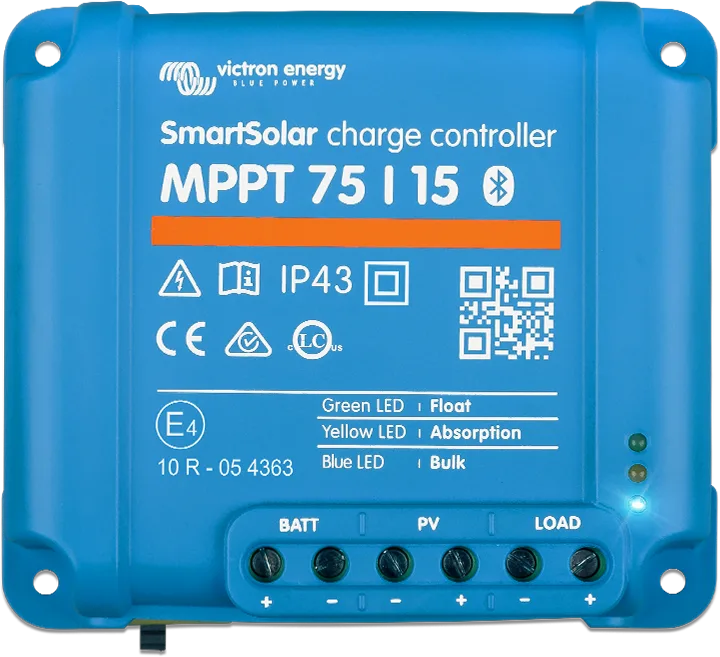
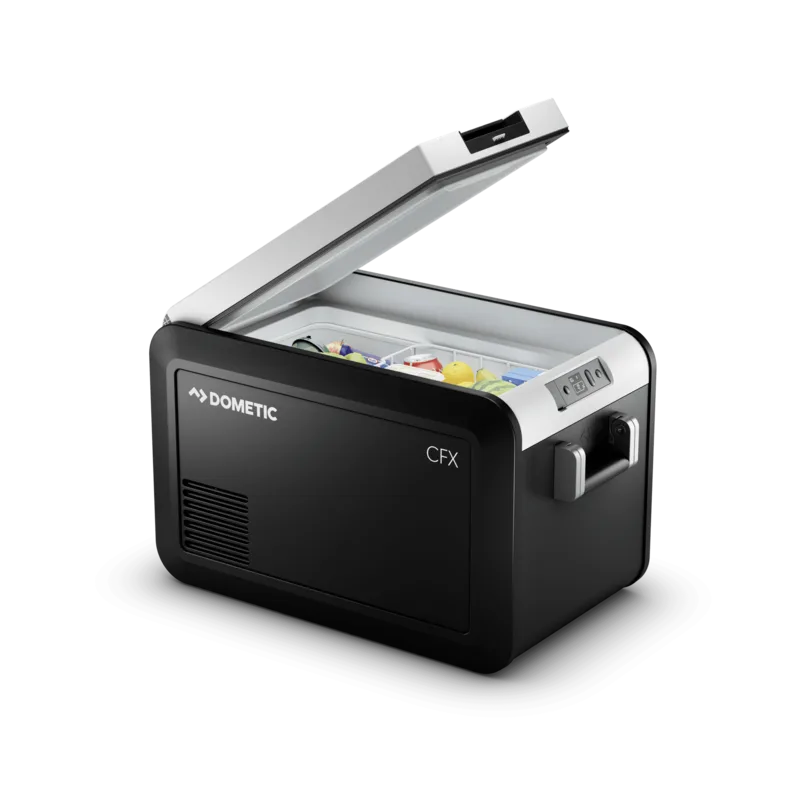
Start with the real battery, charger and loads from a palette of 380 parts. If yours is missing, make it once and keep it for next time.
Connect the terminals the way you'd install them. Tell Crimp the length and it picks the wire and fuse for that run.
Wire, fuse and voltage-drop results update as you draw, and 140+ checks flag potential problems on the drawing while you can still change the plan.
Crimp in Claude and ChatGPTBeta
Connect Crimp to Claude, ChatGPT or Codex by signing in. Your assistant asks about your system, and the wire sizes and checks come from Crimp's calculator, not from the chatbot's guess.
Try 3 drafts or checks free with a Crimp account. After that it's included with every paid plan, including the one-time Lifetime licence.
“Use Crimp to plan a DC-DC charger circuit for my van. Ask what batteries and charger I have and how long the cable runs are, then give me a draft link.”
crimp · create_draft
A draft schematic with Crimp's wire and fuse sizes, its assumptions and any findings, behind a crimp.studio link you open to review. Included with every paid plan.
Good questions
Anything not answered here reaches a person at support@crimp.studio, usually the same day.
Start small
Nothing to install and no account needed. Your drawing saves in this browser, and you can add the rest of your system as you go.
Pricing
For your own projects and the work you do for clients.
For your projects, now and later.
Your price and plan details will appear here.
For the work you do for clients.
Client tools, branding and handovers.
Your price and billing terms appear before you buy.